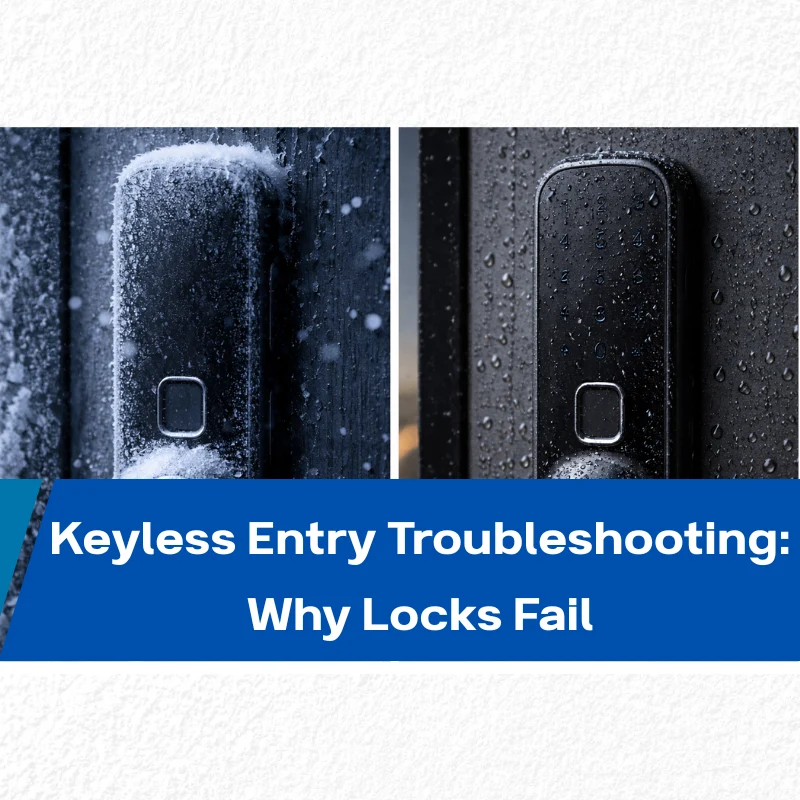
Part 1: When Keyless Locks Stop Working – What This Guide Solves
Keyless entry systems have changed how doors are secured and managed. For homeowners, landlords, and small business operators, they reduce daily friction while supporting more controlled access across users.
At the same time, these systems are electronic devices. Unlike traditional mechanical locks, they rely on power stability, mechanical alignment, software logic, and environmental tolerance. When failures occur, they often disrupt operations rather than simply causing inconvenience.
This guide is designed as a practical troubleshooting reference. It explains why keyless locks fail, how to resolve common issues quickly, and how preventive maintenance reduces repeat problems that cost time and attention.
As a manufacturer focused on precision mechanical and electronic locking systems since 2011, EOS SECURE approaches lock design with one core principle in mind—reliability. A lock only adds value when it performs consistently under daily use, staff changes, and real-world conditions.
Part 2: How Keyless Locks Fail – The Parts That Matter Most
Understanding how a keyless lock operates makes troubleshooting faster and more accurate. You do not need engineering detail, only clarity on which components affect reliability and where failures usually originate.
Core Components Working Together
- Electronic lock cylinder or actuator that physically moves the bolt
- Motor and gear assembly responsible for repeated daily operation
- Battery power module supplying stable voltage
- Control board managing credentials and permissions
- Wireless module such as Wi-Fi, Bluetooth, Zigbee, or NFC for connected access
A fault in any one of these areas can interrupt access and require manual intervention.
Common Unlocking Methods and Where Failures Occur
- Keypad or PIN entry
Depends on power stability, keypad condition, and internal verification. - App-based or smart access
Relies on wireless reliability, firmware stability, and consistent credential syncing. - Biometric access
Requires clean sensors and reliable local recognition. - Key cards or fobs
Depend on short-range signal clarity and proper antenna alignment.
Built-In Backup Mechanisms
Most keyless locks include at least one fallback option:
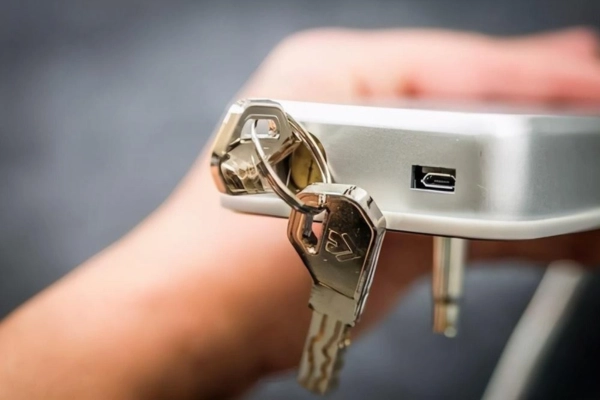
- Physical key override
- Emergency external power contacts
These safeguards are essential for continuity and should be verified during installation and routine checks.
Part 3: Step-by-Step Troubleshooting – From Symptoms to Solutions
This section follows a clear diagnostic path. Start with what you observe, then isolate the root cause before attempting adjustments or replacements.
Scenario A: No Lights, No Sound – The Lock Is Completely Dead
No lights, no sound, no keypad response.
Likely Cause 1 – Battery failure or incorrect installation
- Replace all batteries with new, same-brand, non-rechargeable alkaline batteries.
- Confirm correct polarity and clean contacts if corrosion is present.
Likely Cause 2 – Internal system freeze or circuit failure
- Perform a hard reset according to the manufacturer’s instructions.
- If the lock remains inactive, professional inspection is usually required.
Scenario B: The Keypad Lights Up but the Door Won’t Open
Lights activate or beeps sound, but the bolt does not move.
Likely Cause 1 – Mechanical misalignment
- Test the lock while the door is open.
- If it works when open, adjust hinges or reposition the strike plate.
Likely Cause 2 – Motor or gear resistance
- Dust buildup or dry components increase motor strain over time.
- Apply graphite powder or an electronic-lock-approved lubricant.
- Avoid WD-40, which attracts residue and accelerates wear.
Likely Cause 3 – Verification or software interruption
- Confirm credentials have not expired or been revoked.
- Restart the lock and mobile app.
- Check network stability if smart access is involved.
Scenario C: The App Won’t Connect but the Lock Works Manually
The lock functions locally but cannot be managed remotely.
Likely Cause 1 – Network instability
- Weak signals or gateway interruptions are common in busy environments.
- Move the router or hub closer, reduce interference, and restart network equipment.
Likely Cause 2 – Outdated firmware or app issues
- Update the mobile app and lock firmware.
- Re-pair the lock if connectivity remains inconsistent.
Stable connectivity directly affects daily access reliability. EOS SECURE smart locking systems are tested for signal consistency and compatibility across multi-device environments, helping reduce access disruptions caused by unstable wireless conditions.
Scenario D: Problems After Cold, Heat, or Rain
Environmental stress explains many intermittent or seasonal failures.
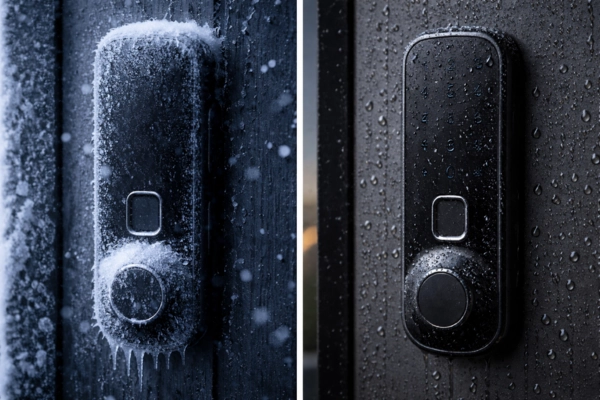
Cold weather effects
- Battery performance drops and lubricants stiffen.
- Use lithium batteries in low-temperature conditions.
- Warm the keypad briefly using low heat if needed.
Moisture and condensation issues
- Dry exposed surfaces with a soft cloth.
- Use cool airflow to remove internal moisture.
- Confirm the lock’s IP rating matches its installation environment.
Environmental tolerance matters in daily operations. EOS SECURE outdoor smart lock designs use reinforced sealing and wide-temperature components, reducing failure rates in exposed or high-use locations.
Scenario E: Beeping or Flashing Lights – What the Lock Is Telling You
Indicator patterns communicate specific system states.
- Red flashing or repeated beeps
Commonly signal low battery, repeated incorrect entries, or incomplete door closure. - Lockout mode warnings
Triggered after multiple failed attempts and resolved by waiting or using authorized credentials.
Always reference the lock’s signal guide to match alerts with corrective actions.
Part 4: How to Prevent Keyless Lock Problems Before They Happen
Most keyless lock failures can be avoided with simple, scheduled maintenance.
Power and Mechanical Care
- Replace batteries every 6–12 months, not only after warnings.
- Check door alignment annually, especially on high-traffic entrances.
- Apply graphite lubrication to the bolt once per year.
Digital Security Hygiene
- Use PINs with at least eight digits and avoid predictable patterns.
- Rotate master and temporary codes regularly.
- Remove credentials for former staff, tenants, or vendors promptly.
- Keep home or business Wi-Fi secured and firmware updated.
Monitoring and Emergency Planning
- Review access logs periodically to identify unusual attempts.
- Ensure authorized users know where backup access methods are stored.
- Test emergency unlock procedures before issues occur.
Part 5: When DIY Fixes Aren’t Enough and What to Look for Next
Signs You Need Expert Support
- Repeated failures after basic troubleshooting
- Visible mechanical damage or internal component wear
- Integration with broader access control or security systems
Choosing Your Next Lock System
- Environmental suitability based on location and exposure
- Security certifications such as ANSI or BHMA ratings
- System compatibility with platforms like Apple HomeKit or Google Home
When upgrading or replacing a lock, EOS SECURE offers solutions ranging from high-security mechanical cylinders to advanced smart locking systems. Designed to meet international standards and supported by flexible OEM and ODM services, these systems are built for consistent performance across residential, rental, and commercial environments.
Final Takeaway
Keyless entry systems improve access efficiency when reliability is maintained. Most failures follow predictable patterns tied to power, alignment, connectivity, or environment. Knowing how to diagnose and prevent these issues reduces disruption and restores confidence.
Explore EOS SECURE solutions to strengthen your door security with systems built for long-term stability and dependable performance.